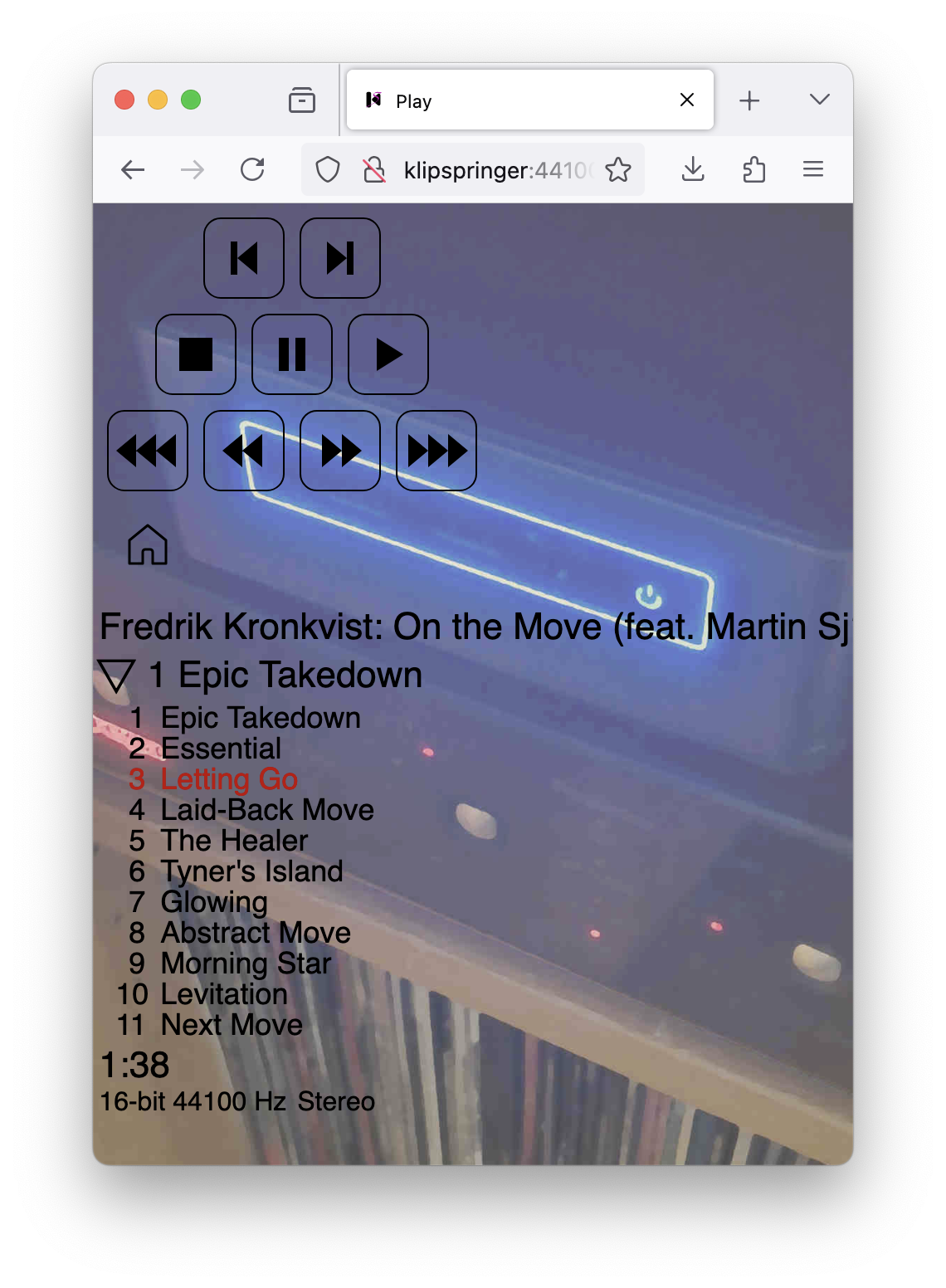
The primary use case of Klipspringer has always been to serve as a replacement for the CD player on my stereo shelf by playing music from a hard disk on the speakers in my living room. But since version 3.1, the Klipspringer hub can also stream the same music to a web browser, for instance on my mobile phone, to let me listen with headphones whenever I’m within reach of the wifi in my apartment.
When I’m connected to the local wifi, and the little computer on my stereo shelf – which exposes itself to the local network under the host name klipspringer – is booted up, I can direct a web browser to http://klipspringer:44100/ and get a start screen that looks like this:
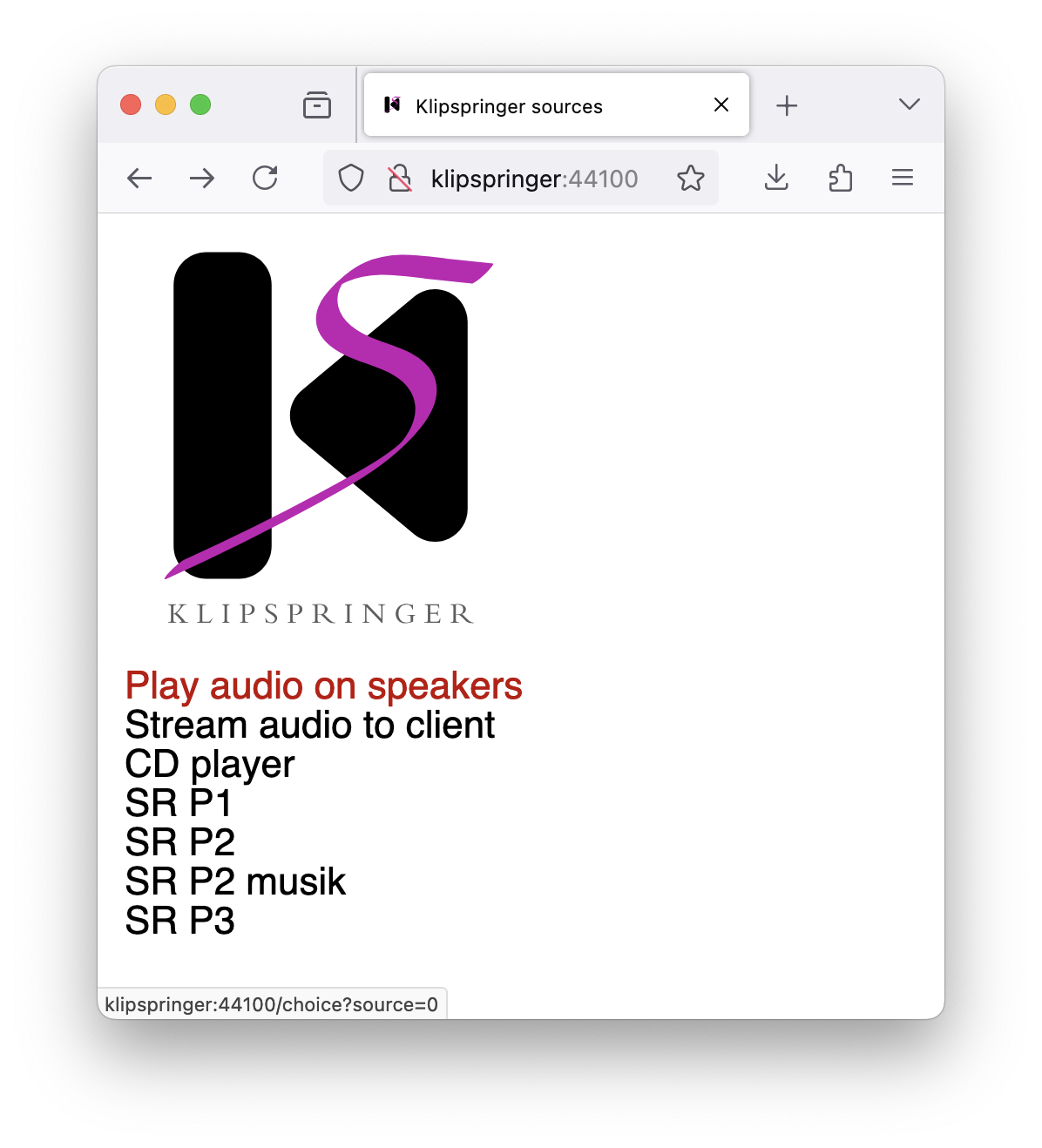
(This screenshot was taken from my Mac screen, but it’s similar on the phone.) The seven menu options shown are configured in /etc/klipspringer-hub/sources.json on the klipspringer computer, which has the following content:
[
    { "label": "Play audio on speakers", "player": "kliptrack", "path": "/media/klipspringer/porsche/cd", "depth": 2, "group": "files" },
    { "label": "Stream audio to client", "player": "audiostream", "path": "/media/klipspringer/porsche/cd", "depth": 2, "group": "files" },
    { "label": "CD player", "player": "vlc", "url": "cdda://", "device": "/dev/sr0" },
    { "label": "SR P1", "player": "vlc", "group": "radio", "url": "http://http-live.sr.se/p1-aac-192" },
    { "label": "SR P2", "player": "vlc", "group": "radio", "url": "http://http-live.sr.se/p2-aac-192" },
    { "label": "SR P2 musik", "player": "vlc", "group": "radio", "url": "http://http-live.sr.se/p2musik-aac-192" },
    { "label": "SR P3", "player": "vlc", "group": "radio", "url": "http://http-live.sr.se/p3-aac-192" }
]
Clicking on the first item lets me choose among the audio files in the specified directory (which is on a disk connected via a USB cable) to start playback of audio files on the stereo via an optical cable. Under the specified directory, the actual FLAC files are two levels down, one for artist and one for album, which is what "depth": 2 means. The second item is equal to the first except in the label and the player: instead of "player": "kliptrack", which sets off playback on the stereo, it has "player": "audiostream" for streaming. The rest of the items all have "player": "vlc", which also plays music on the stereo, but using the VLC media player instead of Klipspringer’s native track player. One is for the rare occasions when I connect a CD drive via USB to play a physical CD, and the final four are Swedish radio channels accessible via the internet.
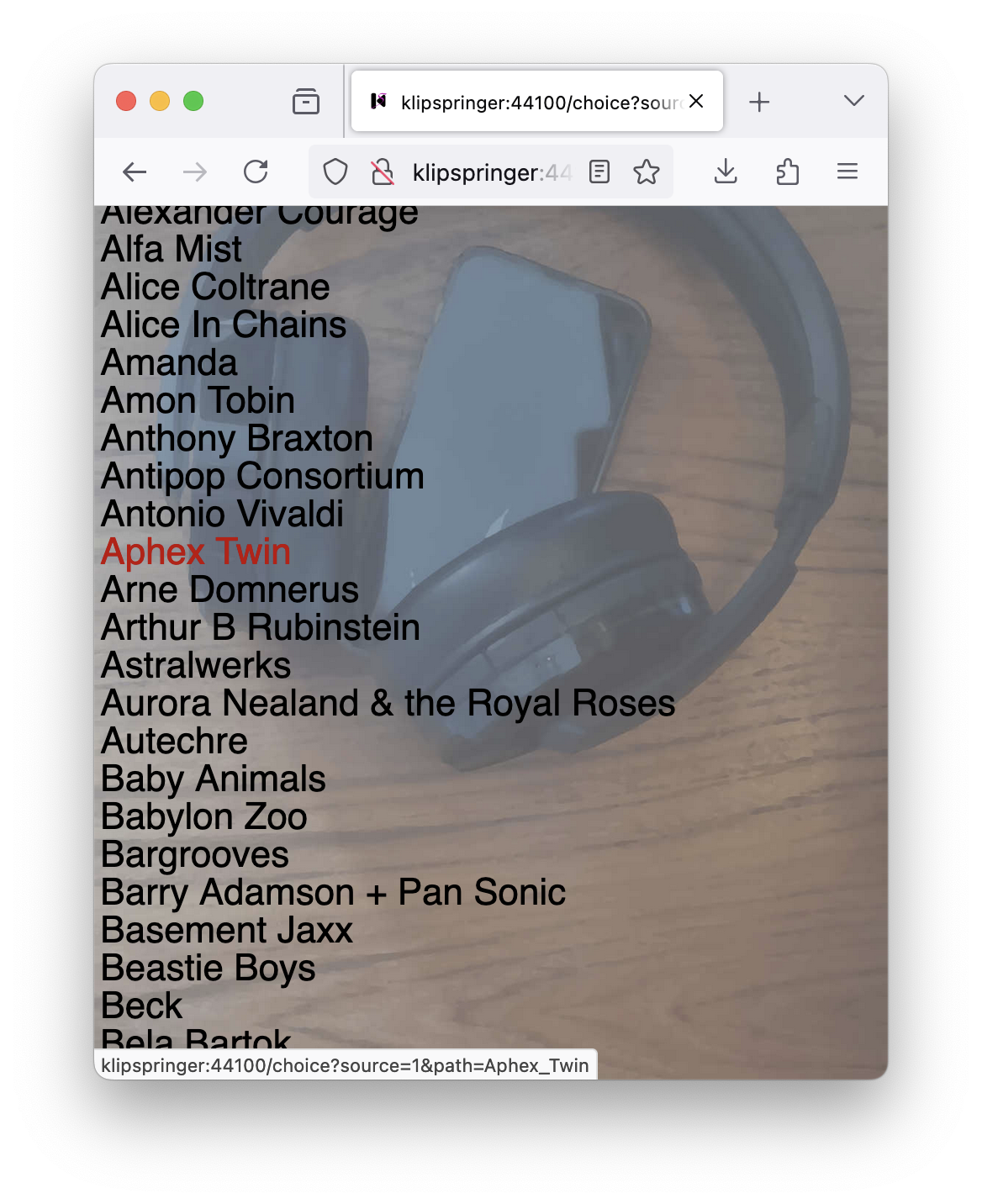
If I click on the first item, I get to the artists directory:
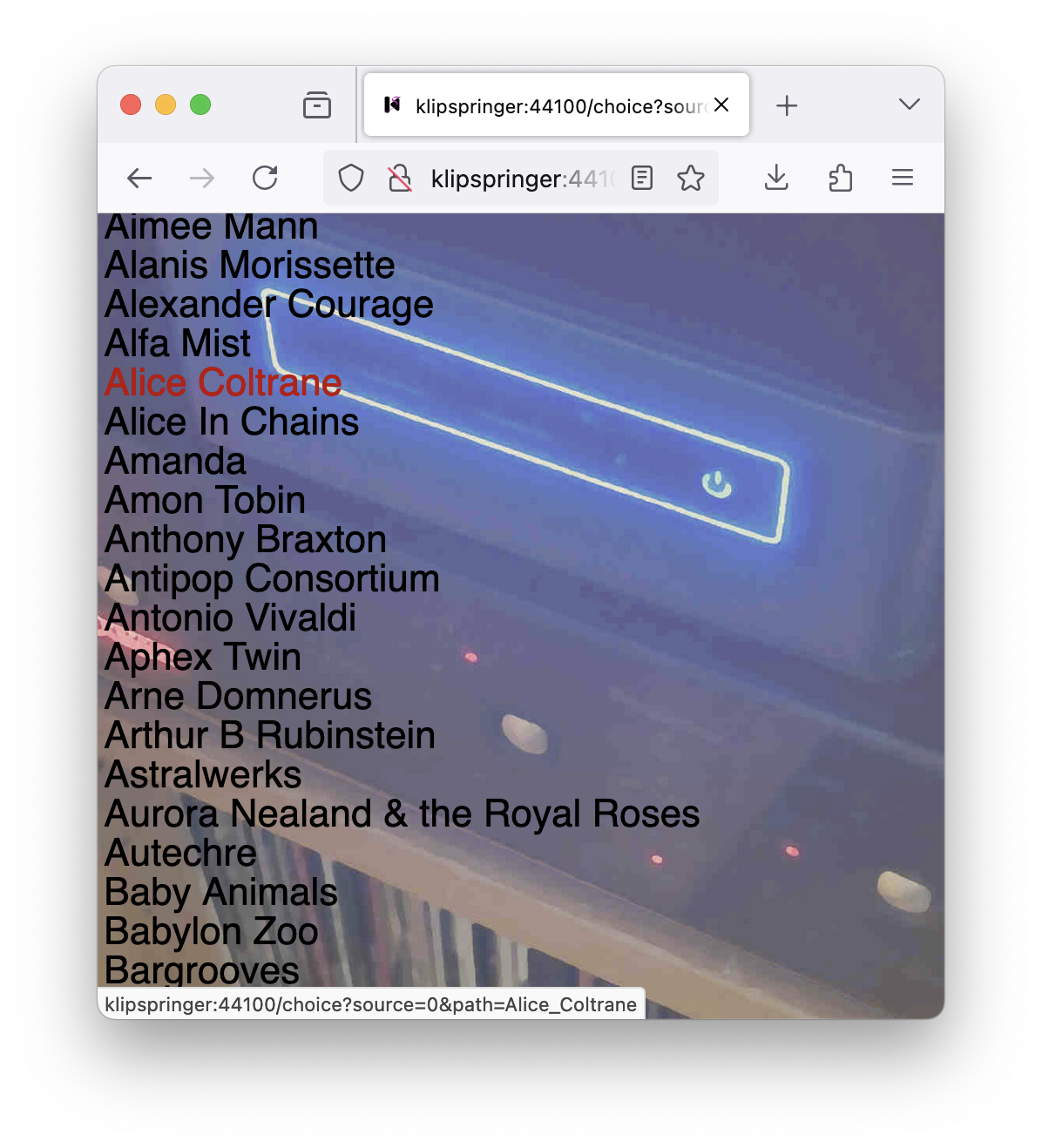
The background image, which shows my klipspringer computer, isn’t part of the Klipspringer distribution but a local configuration: my /etc/klipspringer-hub/options.json looks like this:
{
    "-remote": "/dev/input/event3",
    "-numpad": "/dev/input/by-id/usb-05a4_USB_Compliant_Keypad-event-kbd",
    "-joutput": "PCH [plughw:0,1]",
    "-serverimage": "server_background.jpg",
    "-streamimage": "client_background.jpg"
}
The last two options specify the background images, which I placed in /etc/klipspringer-hub/img to get make install to automatically create symlinks to them from /usr/local/lib/klipspringer-<version>/client/img/, which is the directory where the Klipspringer hub looks for images. (The symlinks could of course also have been created manually.)
If I now click on Alice Coltrane for instance, I get to choose between the two Alice Coltrane albums in my music collection:
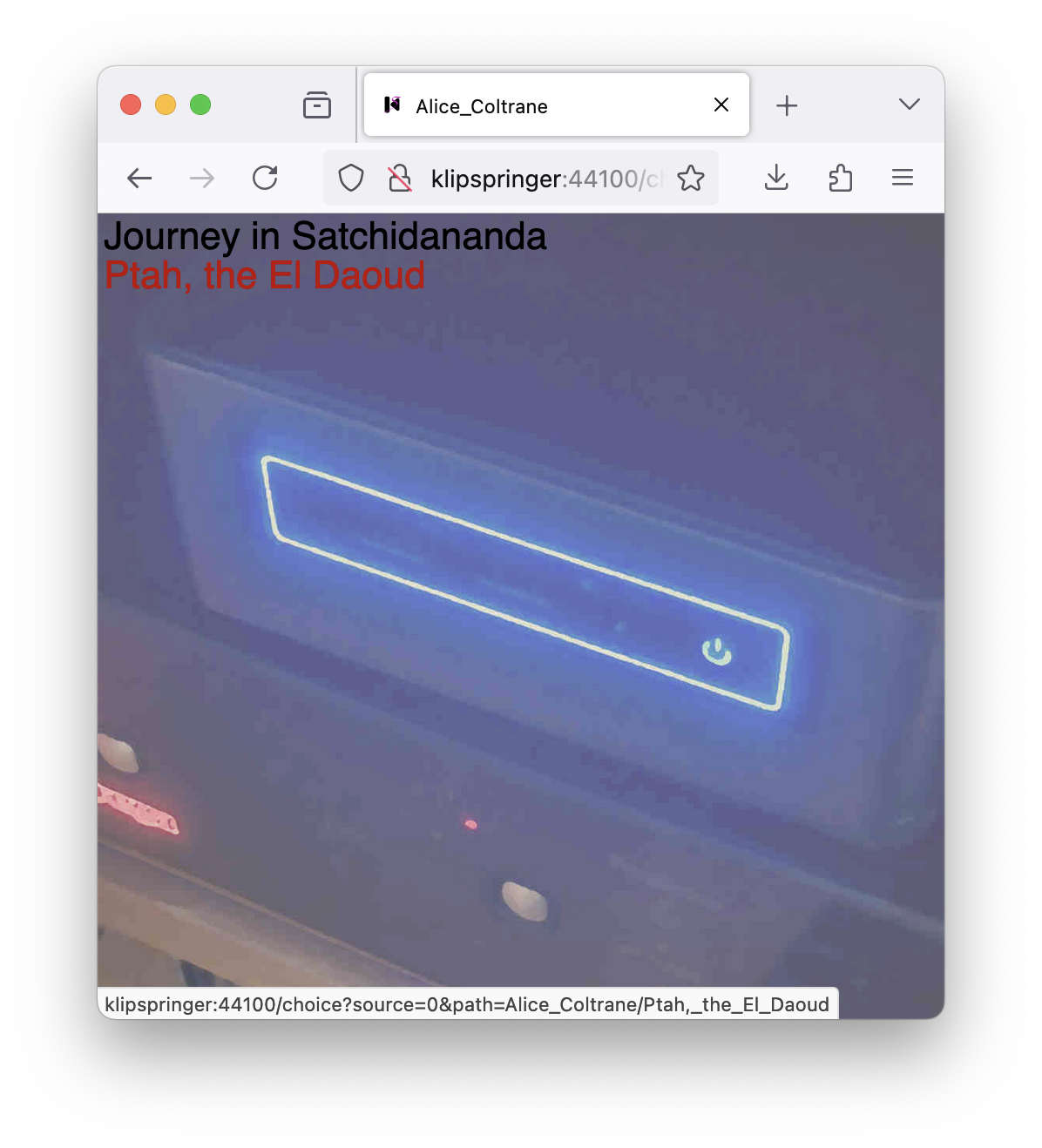
And choosing the second one starts playing it, bringing up album and track information, and buttons for player control:
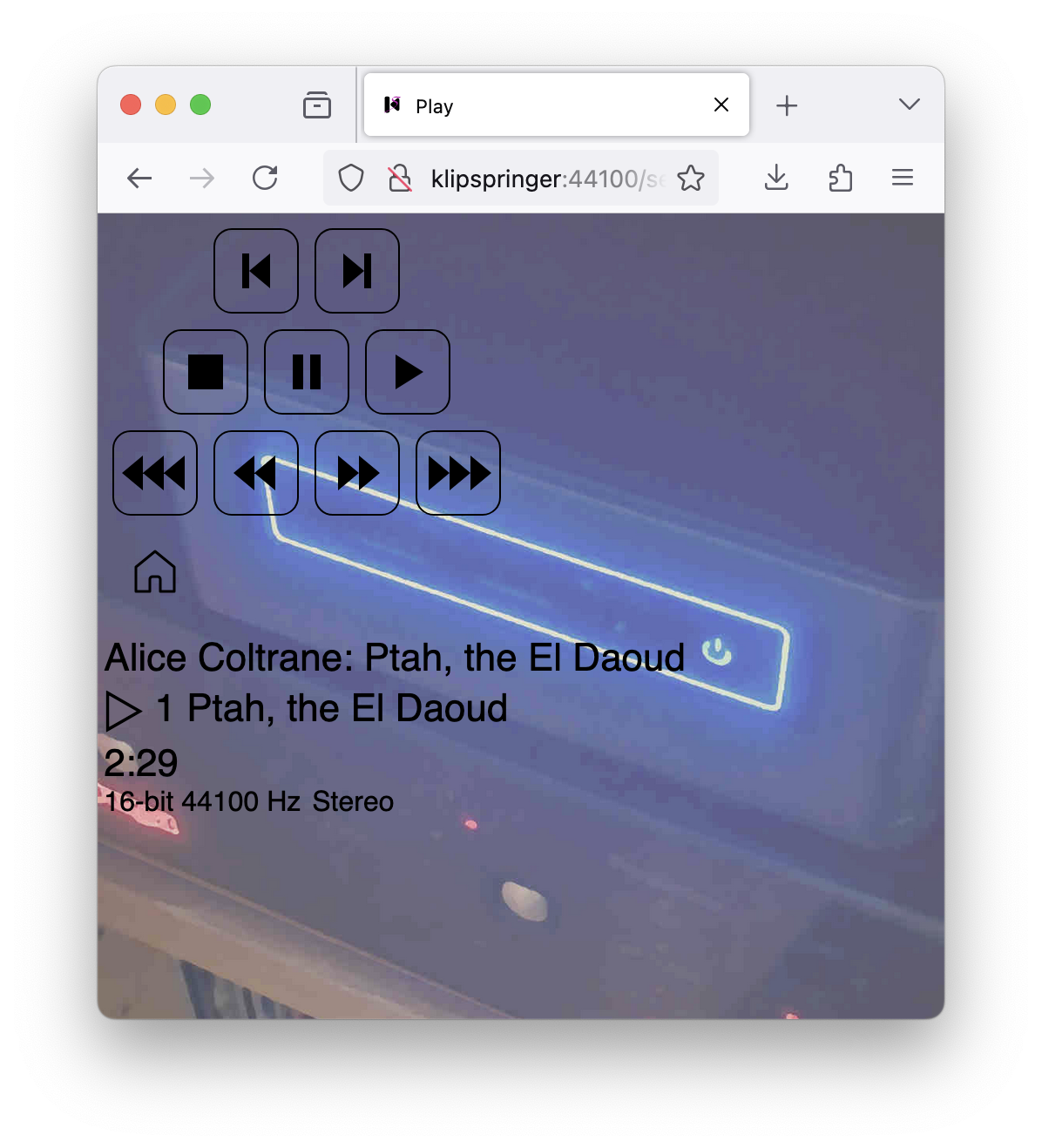
As an alternative to the buttons on the player page, I can also use my remote control for controlling playback.
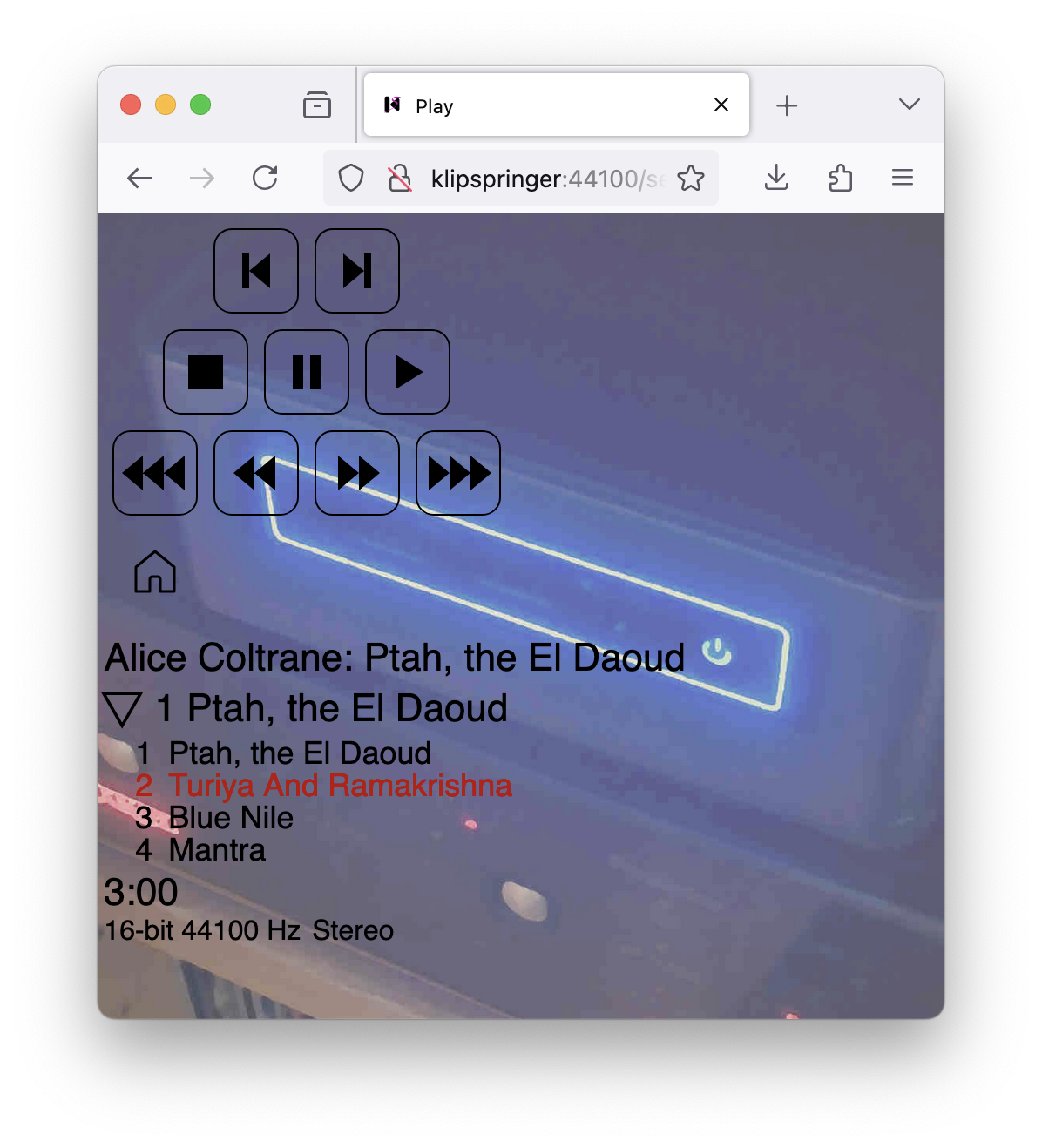
Clicking on the ▷ to the left of the track name brings up a track list, and lets me click on any track to skip to it directly:
For albums that I bought in FLAC format from Bandcamp or some other online music vendor, there is usually at least one cover image, which I place in the data subdirectory of the album to make it show up on the playback control page, which can look like this for instance:
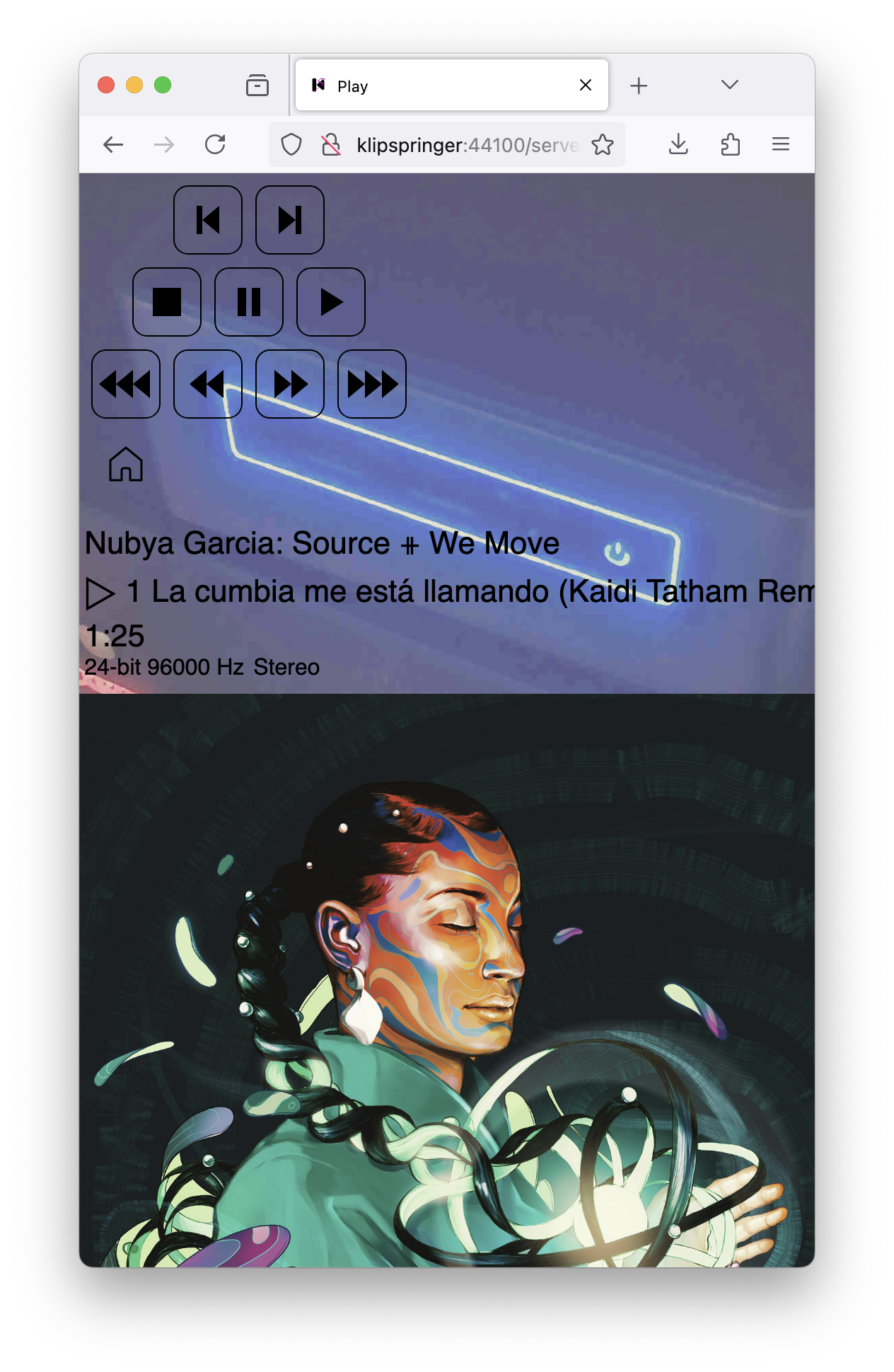
Images that are included inside FLAC files are not displayed. Since version 4.0.6, Klipspringer comes with a flacpics utility to extract pictures from FLAC files, but they have to be manually placed in the album data directory to be displayed by the interface.
Playback doesn’t stop when I move away from the player control page. To get back to the player controls, I can click on the logo on the front page.
Going back to the start screen and instead choosing the second item (for streaming) gets me to the same choice of artists. I now pick music in the same way, but to play in the web browser on the client side. Apart for the different background image, the interface is visually similar to the speaker playback case.
Streaming uses the normal Klipspringer track player to decode audio files, but instead of playing them on the audio output, it encodes a stream for the client web page to fetch. Normally, about ten seconds of audio ahead of the current position is sent to the client to keep it playing continuously. Whenever I press one of buttons in the playback control page that skips forward or backwards it stops the stream, and a new stream is fetched starting from the new position after the skip. The buttons on the headphones for next and previous track, and for pause, also work, as well as the play and pause controls on the phone lock screen. If the track player terminates because of a timeout (after pausing for too long) or some other problem, I reload the web page to restart at the current point in playback.
I’ve made an effort to get streaming to work in a variety of web browsers, and it works fine on most of them, including on my Android phone (a Samsung Galaxy). Some browsers require that the user interacts with the page before it starts playing, and if so, the player control screen comes up with audio paused, and you have to start it with the play button.
A potential problem is that after the music has been playing for a couple of minutes, the phone may decide that since I don’t seem to be interacting with the browser app, it’s time for the app to go to sleep to save battery, and playback stops. To stop this from happening, I’ve had to set battery use to unrestricted in the app settings for Chrome on my phone. Other apps with audio output sometimes also have to be turned off to not disturb playback.
Streaming to iOS devices doesn’t work quite as smoothly as with my Android phone. I don’t know if Apple wants it to be difficult to use lossless audio in the browser, or if they just don’t prioritize it, but all iOS browser seem to be a bit errant in streaming FLAC and other lossless formats. At one point, I thought I wasn’t going to get it to work at all, and decided to implement MP3 streaming by invoking the LAME API. In the end, FLAC turned out to work most of the time, but other formats are also supported (four formats for streaming in version 4.3), and you can use the -streamtypes option to configure klipspringer to prefer MP3 streaming, for instance by including a line like this in your options.json:
"-streamtypes": ["mp3", "flac", "ogg"],
But beware that MP3 isn’t just a lossy format (although you may not be able to hear any difference at a bitrate of 320 kbps), it also takes a lot more CPU power to encode than FLAC.
I included code for streaming in oga format for FLAC data encapsulated in an Ogg transport layer, but due to an issue in the libFLAC API, it doesn’t work properly the way I handle streaming, so it’s turned off until that issue is solved.
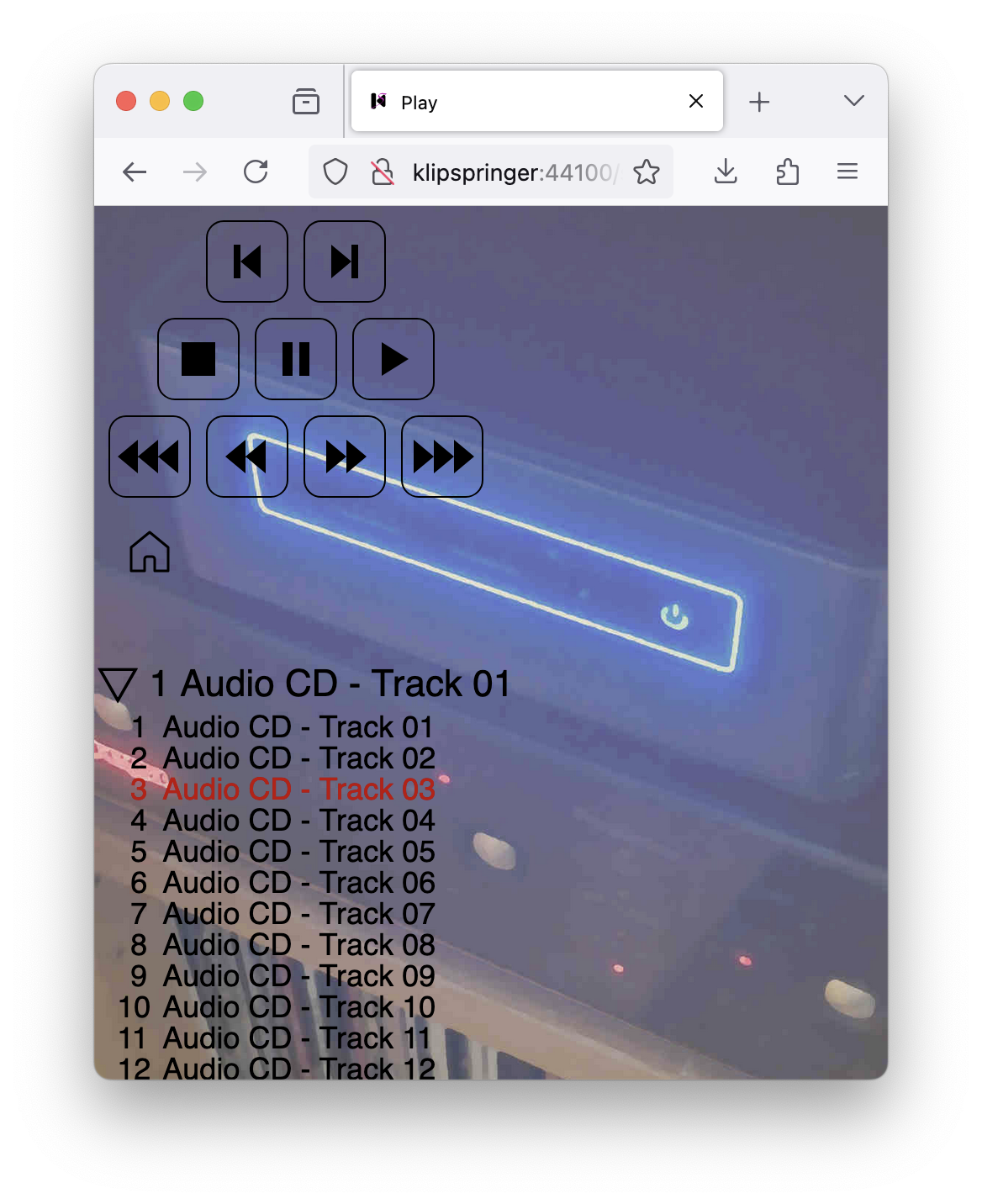
Playing physical CDs has essentially the same player API as when playing audio files on the stereo (there’s currently no option to stream from CDs, they can just be played on the speakers), except that the display isn’t updated as quickly after skipping forward or backwards. The remote control works during CD playback as well. Most CDs don’t have any metadata on them, so the album and tracks show up anonymously:
Newer CDs do however often include metadata, which can then be read by VLC and is shown in the player interface: