As a starting point for specifying the sources and options of your Klipspringer hub, here is a way to create and test a small example configuration for a collection of audio files in FLAC format. (To play them, Klipspringer obviously must have been installed with FLAC support.) Before you start, you should have verified that you can use kliptrack to play audio on your system.
In a terminal, cd to a directory where you want to place a sample audio file collection. Then download the collection and unpack it with the following commands:
curl -O https://klipspringer.avadeaux.net/samplesoundfiles.tar
tar xf samplesoundfiles.tar
pwd
The last pwd command prints the full path to where you placed the files. Copy it to your clipboard or make a note of in some other way.
Download the example template for source configuration file sources.json:
curl -O https://klipspringer.avadeaux.net/examples/sources.json
Use a text editor to open the file and replace /full/path/to in the two places where it appears in sources.json with the path you got from the pwd command. If you don’t have a favorite text editor you want to use, you cab launch nano to edit in the terminal:
nano sources.json
When sources.json is edited, copy it to where the Klipspringer hub expects to find it:
sudo cp sources.json /etc/klipspringer-hub/
As for options, most of them can wait, but if you needed to supply an -output option when you verified that kliptrack worked, that output has to be specified to the Klipspringer hub as well. If so, you can create and start editing an empty options.json:
sudo nano /etc/klipspringer/options.json
Copy and paste the following three lines into the file and replace "My Audio Device" with the name of your device of choice, exactly the way it is listed by klipdevices. Then save the file and exit with control-X.
{
    "-joutput": "My Audio Device"
}
Now start the Klipspringer hub with:
klipspringer-hub
Something like the following should then be printed in the terminal:
[info Wed Jul 31 2024 15:36:18] Klipspringer version 4.2.1
[info Wed Jul 31 2024 15:36:18] PID 87990
[info Wed Jul 31 2024 15:36:18] Server expects commands at http://192.168.50.25:44100
Copy the URL you get on the last line (from http:// to the end of the line) into the navigation field of a web browser, on the same computer or (more interesting) on another computer or smartphone connected to the same local network. You should get this:
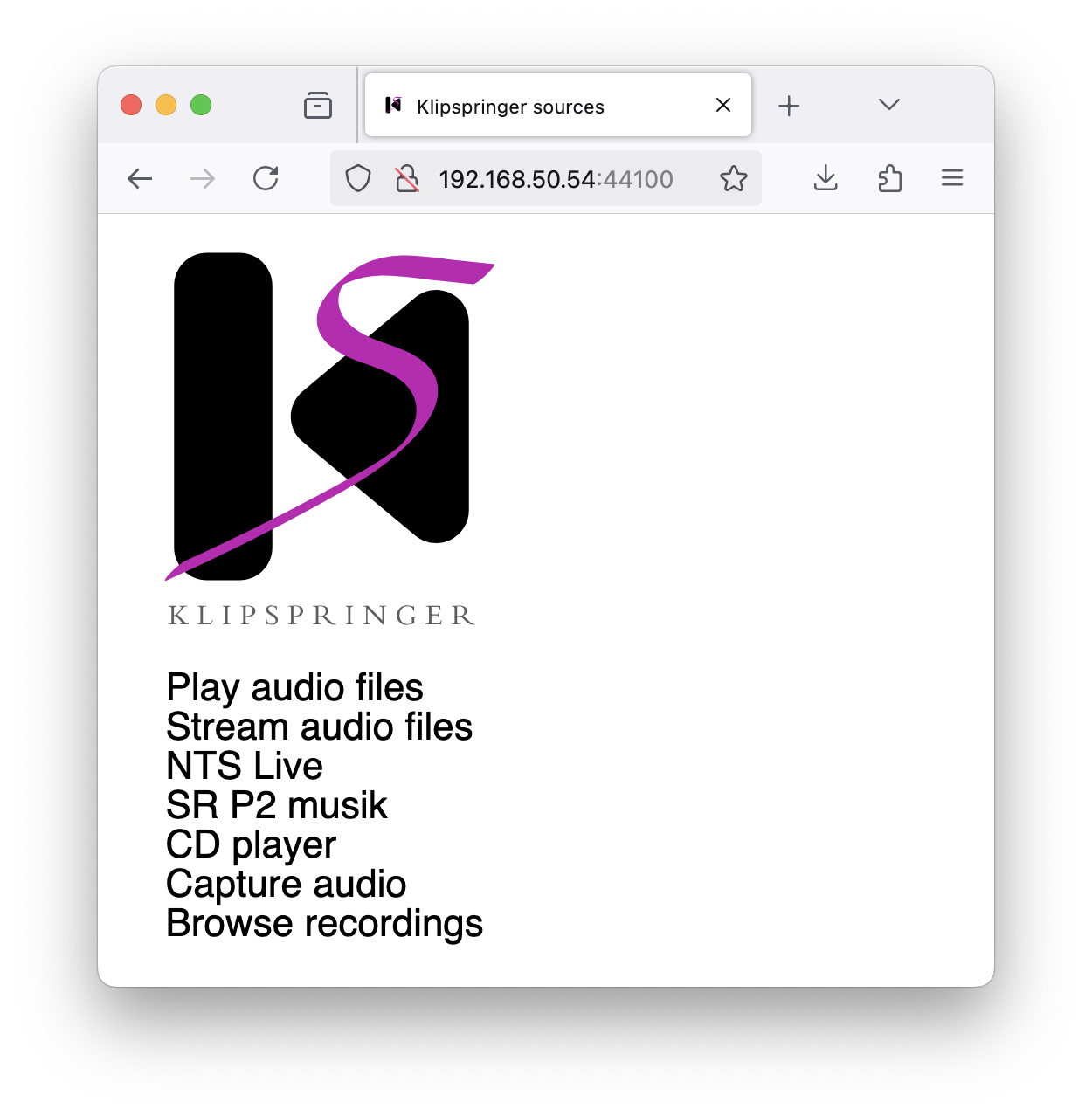
The first menu option Play audio files should work for playing the sample sound files on the default audio output of the Klipspringer hub computer. Click on it, and then on an artist and an item, which invokes the track player to start audio on the server, and brings up a play control interface in the browser. The images that are shown along with the player are among the FLAC files in the audio file collection, in the data subdirectory in the respective audio file directory.
The second menu option Stream audio files should work in the same way as the first one, but stream the audio to the web browser so that it is heard on the client side.
The third and fourth menu options are internet audio streams, they might work if you have VLC installed. The rest of the sources probably need editing to work on your system, if they are applicable at all. You can of course remove sources you don’t want and restart the Klipspringer hub, just make sure that the file is still valid JSON, in particular that it has commas where expected an nowhere else.